

Kids Bike Size Selector: Read the Chosen Option, Not the Whole Range
A kids bike size selector describes options within a product page; it does not make every bicycle on that page the same size. When a listing mentions several wheel diameters, confirm which option you are actually considering before comparing fit. Keep the selected wheel size, the rider’s current measurements and the exact equipment together. This prevents a useful range overview from becoming an accidental recommendation for the wrong configuration.
Use the kids bike size selector before comparing details
Open the actual product and choose the wheel option under consideration. Read any information that changes with that selection, then check the selected option again before ordering. If the fitting text combines several sizes without making the individual relationship clear, ask for clarification. Do not use the largest number in the product description as though it described the smallest bicycle, or assume the first photograph identifies the selected size.
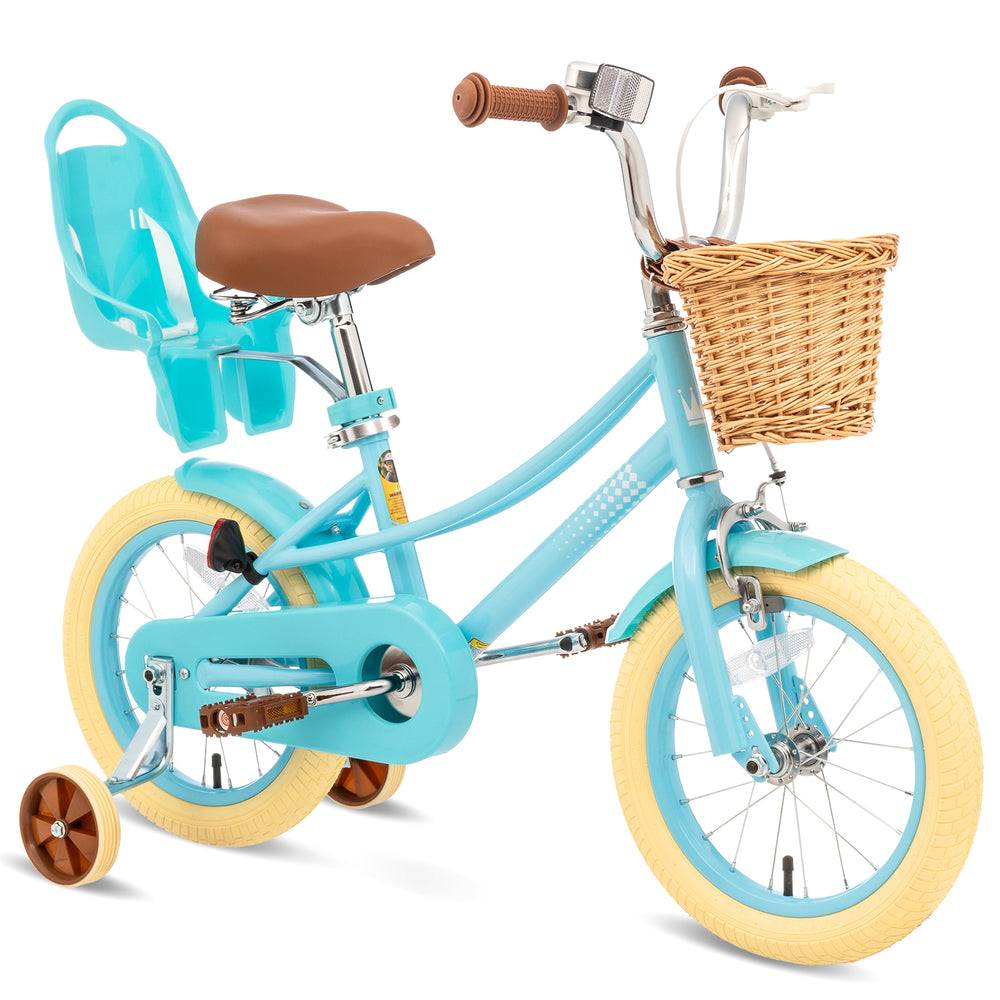
Compare the two real XJD option ranges
The Blue Kids Bike lists 12-, 14-, 16- and 20-inch choices. The Blue BMX-style training-wheel bicycle lists 12-, 14- and 16-inch choices. That difference matters when looking for a particular configuration: the learning BMX page does not establish a 20-inch selection. Shared color and brand cannot turn one product’s selector into the other product’s size chart or equipment list.
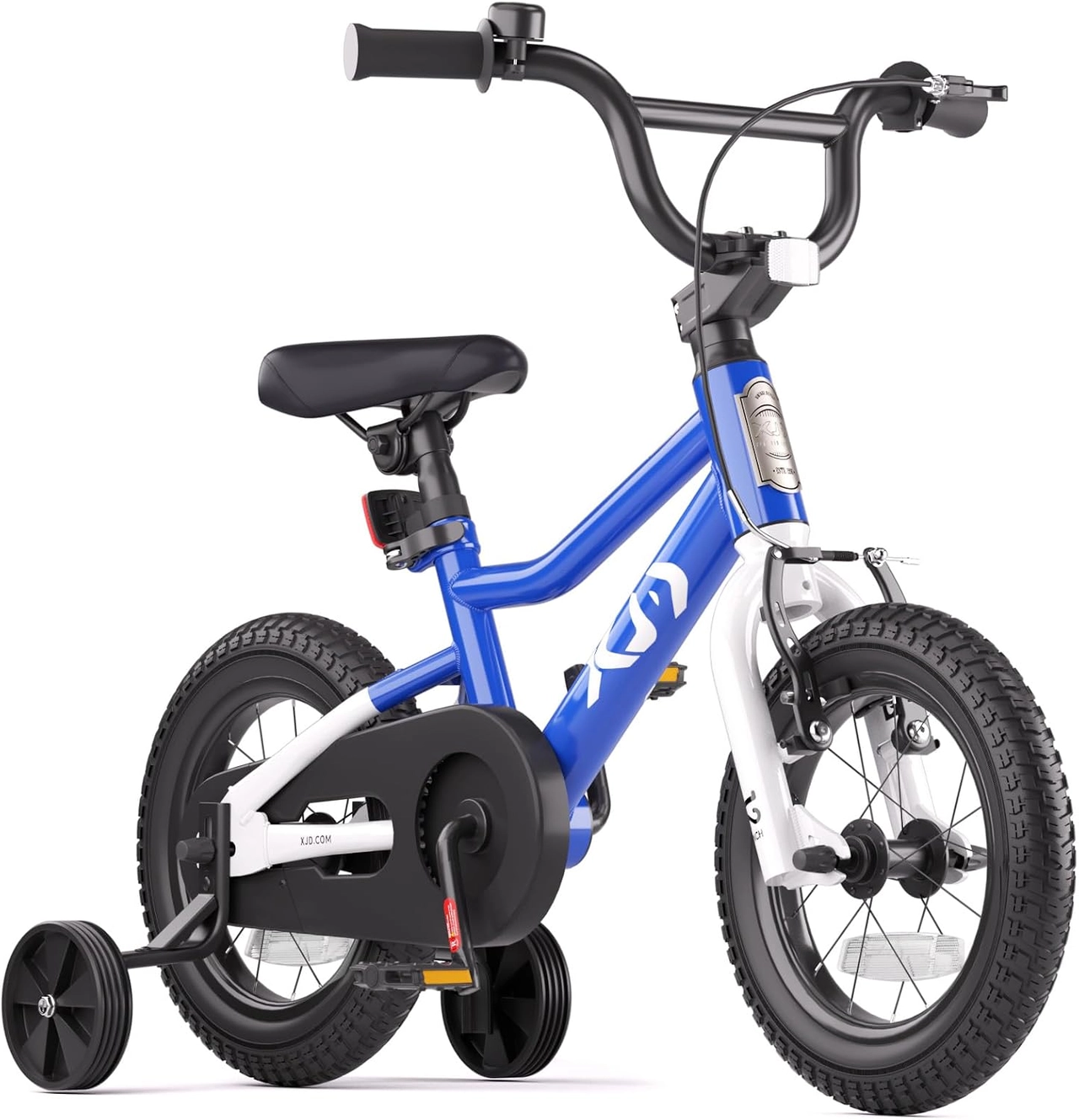
Bring current rider measurements to the question
Record the child’s current height and use the model’s requested measurement method for inseam or standing clearance. Keep shoes and measurement conditions clear so the supplier can interpret the numbers. Ask for the selected frame’s actual fitting guidance when required information is absent. Wheel diameter remains a useful way to organize options, but the child must also be able to mount, reach the controls and manage the bicycle in its current setup.
Check the equipment attached to that choice
Training support, brake arrangements and adjustment features belong to a particular product and configuration. Both linked learning ranges list training wheels, but their ranges differ and the details still need checking against the delivered instructions. Do not assume a support bracket transfers between wheel sizes. Likewise, an adjustable saddle is not permission to raise it beyond its marks or buy a frame the rider cannot control today.
Keep a clear selection record for delivery
Save the product name and chosen wheel option with the order confirmation. When the bicycle arrives, compare the supplied identification and components with that record before assembly. Resolve a mismatch through support rather than modifying the bicycle to resemble the intended option. After correct assembly, complete an individual fit and controls check. The selector helps identify the order; it cannot replace seeing the rider on the actual prepared bicycle.
Configuration comparison
| Exact Blue XJD page | Listed wheel options | Selection implication |
|---|---|---|
| Kids Bike | 12, 14, 16, 20 inches | Includes a separate 20-inch option |
| BMX Bike with Training Wheels | 12, 14, 16 inches | Does not establish a 20-inch choice |
Model details relevant to this task
These two Blue XJD pages are useful examples because one range includes a 20-inch choice and the other stops at 16 inches. The table compares their selectors, not rider ages or frame geometry. No universal height interval or automatic next-size recommendation is established by that comparison. The linked model details are available for XJD Kids Bike Blue, XJD Kids BMX Bike with Training Wheels – Blue.
Quick checklist
- Choose the exact wheel option.
- Read option-specific fit information.
- Record current rider measurements.
- Confirm the associated equipment.
- Match delivery to the saved selection.
Common questions
Does a product listing four sizes contain four bicycles?
It describes choices on that page. Confirm the single selected configuration and order contents before purchase.
Can the same wheel size fit differently across two models?
Yes. Wheel diameter does not specify the complete frame, saddle position or reach; use each model’s actual fitting information.
Should I select the largest option for future growth?
Choose a configuration the rider can control now. Future growth is not a substitute for current fit and brake access.
Related collections
The training-wheel bicycle selections and XJD BMX-style model details provide further model details. Check the exact selected configuration when planning fit, handling and care.
Before the next outing
Use the kids bike size selector as an identification step, then evaluate the chosen configuration with current measurements and a real fitting check. A range describes choices; the rider uses one actual bicycle.
Bikes for your next adventure
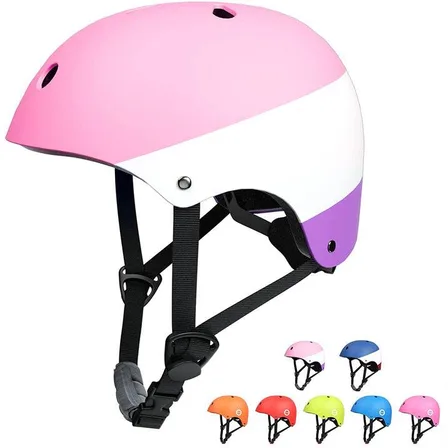
XJD Kids Bike Helmets
XJD Kids Bike Helmets makes helmet selection clearer: measure first, then choose…$59.99
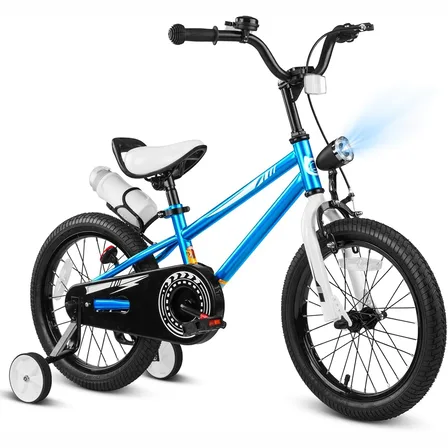
XJD Boys Bike Blue
XJD Boys Bike Blue brings the recorded fit, riding and configuration details tog…$169
$199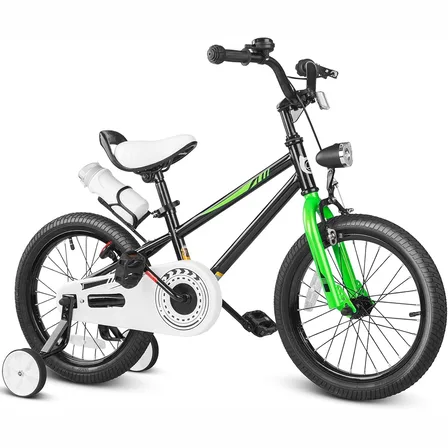
XJD Boys Bike Black
XJD Boys Bike Black brings the recorded fit, riding and configuration details to…$169
$199