

Kids Bike Speedometer Calibration: Use the Actual Tire Circumference
Kids bike speedometer calibration depends on how the device measures movement. A wheel-sensor computer commonly needs the tire’s rolling circumference, while another device may use a different measurement method. Read the exact instructions before entering a number. The bicycle’s nominal wheel diameter is not automatically the requested circumference. Establish the device, sensor and fitted tire together, then keep the resulting setting in a record that can be checked after a tire change or a move to another bicycle.
Start kids bike speedometer calibration with the device
Identify the computer and sensor model and find the setup section describing wheel or tire size. Check whether it asks for circumference, a size code or an automatic procedure, and whether multiple bicycle profiles are available. Do not copy the button sequence from a similar-looking display. A speed reading based on a wheel sensor needs the correct associated wheel data; a device using another method should follow that method’s own setup rather than receiving a guessed wheel input.
Separate the tire label from the requested distance
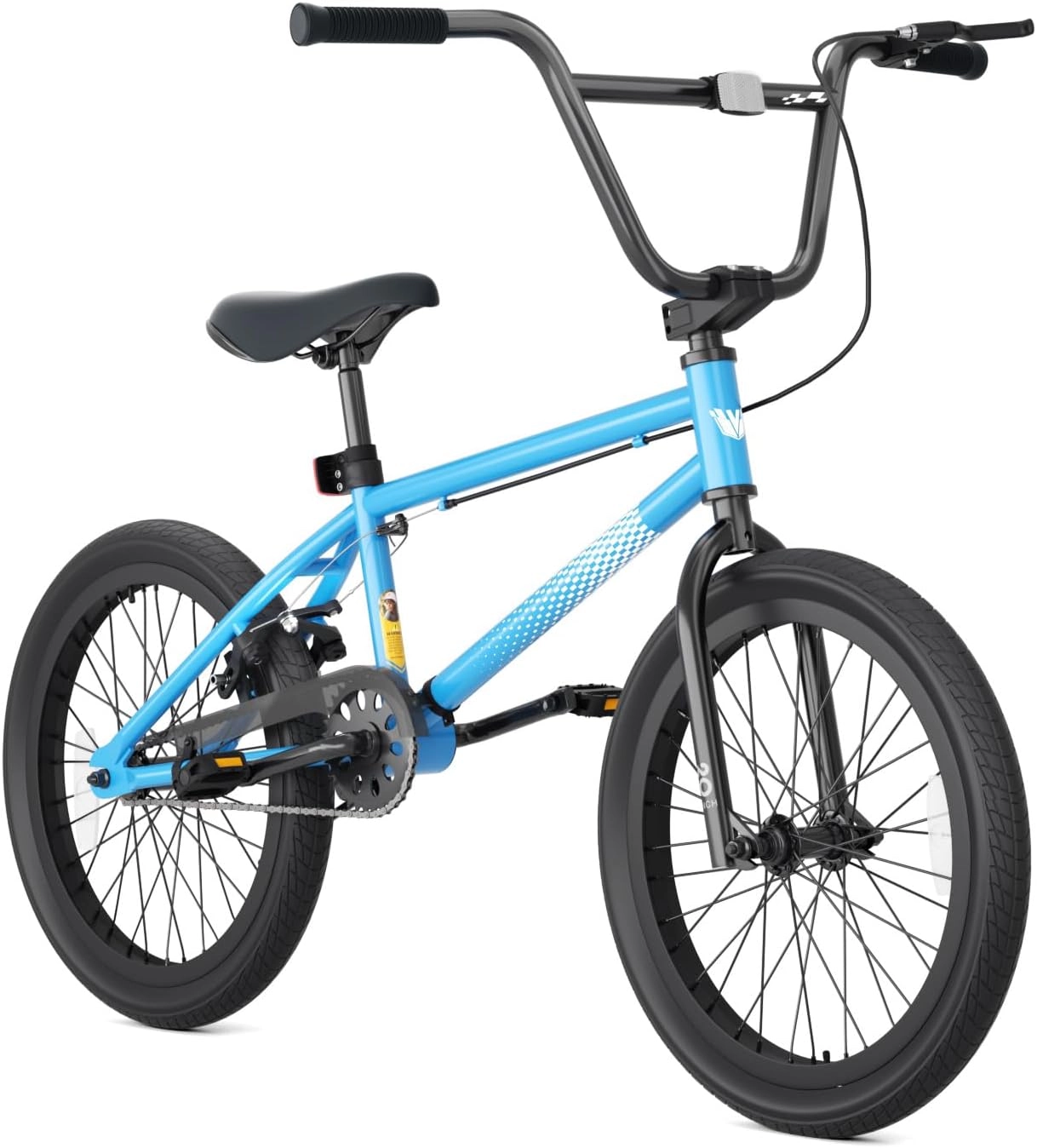
The current Blue XJD no-pegs freestyle bicycle lists 20-inch wheels and 20 by 2.4-inch tires. Those labels identify its wheel and tire context, not a verified rolling circumference in millimeters. Different fitted tires can change the outside rolling dimension even when a nominal wheel category is shared. Read the actual tire markings and device chart together. Do not multiply the number 20 by a conversion factor and assume that it is already the measurement the computer requires.
Use the manufacturer’s table or approved rollout method
Some computer instructions provide a tire-size table and explain how to measure an actual rollout for a closer match. Follow that exact method, including the stated tire condition and measurement units. An adult should organize the level, clear workspace and any required assistance so nobody is balancing an unsupported bicycle while trying to mark the floor. Keep the measurement separate from a riding lesson. If the stated procedure cannot be carried out reliably, ask competent service to establish the setting.
Enter the units and bicycle profile carefully
Record the measured or chart-derived value and whether the device expects millimeters, centimeters or a particular code. A correct distance entered in the wrong units can create a misleading reading. Check the selected wheel or bicycle profile before saving, especially when one display is shared between bicycles. Keep the fitted tire identity with the setting. After changing tires, sensors or bicycles, revisit the setup instead of assuming a previously plausible-looking number must still be correct.
Keep calibration separate from a child’s speed target
Have an adult perform the instructed functional checks in suitable conditions and resolve an implausible display through setup and sensor inspection. Do not ask the child to ride faster to make the reading look normal. Mounting hardware, sensor clearance and any wiring also need their own compatible installation checks; calibration does not verify physical attachment. Read and adjust the display while stopped. A properly configured number remains information, not a reason to turn a recreational practice session into a speed test.
Model details relevant to this task
The linked current BMX identifies a real 20-inch wheel configuration. It does not include a verified computer, magnet, sensor bracket or universal circumference value in this article. An accessory requires its own bicycle compatibility and installation assessment, independently of the numerical setting entered afterward. The linked model details are available for XJD 20-Inch Freestyle BMX Bike without Pegs – Blue.
Quick checklist
- Identify computer and sensor.
- Read the required input type.
- Use the actual fitted tire.
- Check units and bicycle profile.
- Keep display operation stationary.
Common questions
Is 20 inches the number to enter in every computer?
No. Read whether that device requires circumference, a code or another setup method.
Should a setting be reviewed after changing tires?
Yes. Follow the computer’s guidance for the new fitted tire and retain the revised setup record.
Does a plausible reading prove the sensor is securely installed?
No. Physical mounting, clearance and wiring require their own checks through the actual accessory instructions.
Related collections
The BMX wheel and tire configurations and other children’s bicycle layouts provide further model details. Check the exact selected configuration when planning fit, handling and care.
Before the next outing
Complete kids bike speedometer calibration with the exact device, actual tire and correct units. Keep the setting traceable, review it when equipment changes and let the child’s control and surroundings remain the focus of riding.